
Mexico Pterodactyl AI Video Generator
Make the Mexico pterodactyl AI video from one photo. Pick a template and you walk the Juárez pterodactyl on a chain or chat to it on a rooftop.
1Pick a template
You walk the pterodactyl on a chain across a shiny tiled hall, it opens its beak, and you check its collar.
2Your photo
- No app, no prompt
- A failed video is given back
On TikTok
Mexico pterodactyl AI videos on TikTok
Two more AI versions from the wave that started in mid-November: one gliding over the power lines, one walking into a party. The templates above come from posts like these, and in yours you are the one beside the pterodactyl.
These are other people’s posts on TikTok, credited to whoever posted them. We did not make them.
The meme
What is the Mexico pterodactyl meme?
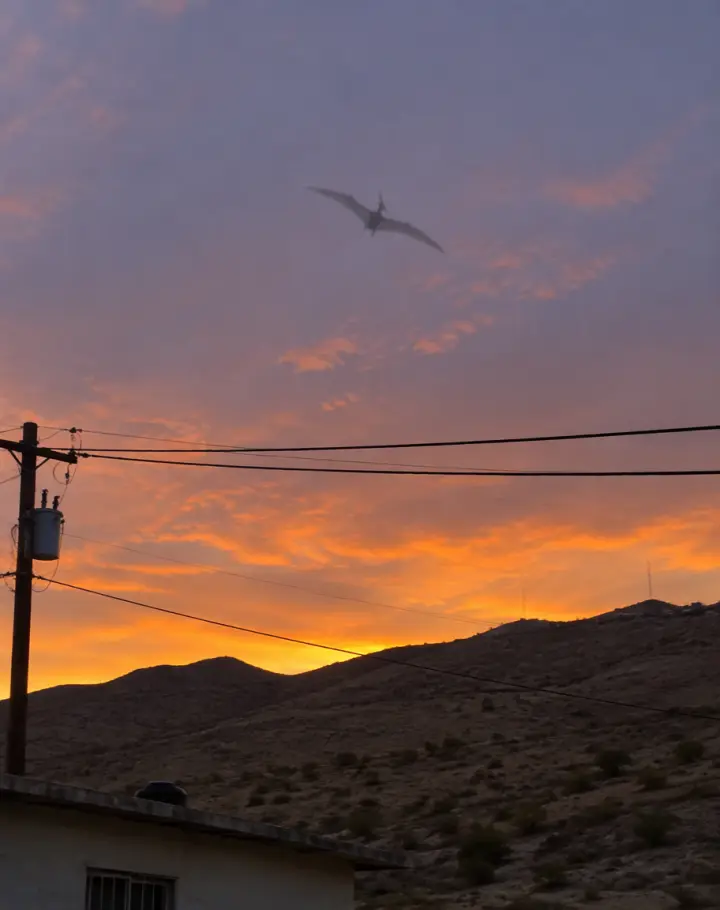
The Mexico pterodactyl meme started with a few short clips from Ciudad Juárez, in Chihuahua. The first, from a home security camera in the Anapra neighborhood, is stamped October 29, 2026. More followed in early November, one of them from near the city’s airport. Each shows a large winged shape gliding over the hills and the power lines.
In mid-November the clips spread across TikTok and the news, and people argued over whether a pterodactyl was really flying over Mexico. Juárez civil protection called the videos “entretenimiento digital” on November 11, and on November 17 Snopes rated one of the most-shared clips fake, made or edited with AI. Pterosaurs died out about 66 million years ago.
Then the jokes took over. People posted AI videos of themselves with the Juárez pterodactyl: walking it on a chain, “tranquilos raza, se me había escapado pero ya lo agarré”, keeping it on the roof as a pet. That is the Mexico pterodactyl AI trend, and this site makes your version from one photo. Mexico Pterodactyl AI is an independent tool and is not linked to anyone in the story.
Three steps
How to make a Mexico pterodactyl AI video
You need no editing app and no prompt. The pterodactyl, the place, the camera moves and the sound come with the template; your part is the photo.
- 01
Pick a template
On a chain or Rooftop pet, as posted on TikTok, or Your idea, where you write the scene and add up to three photos.
- 02
Add your photo
One person, face clear, the whole body or waist up. Open Add your own details if you want a hat, a watch or another small touch. Tick the box and press Make my pterodactyl video.
- 03
Download and post
The video lands in My photos & videos, vertical and with sound, ready for TikTok, Reels or Shorts. Switch on the AI-generated label before you post.
Your photo
Which photos work for the Mexico pterodactyl AI video template
The video keeps the face, the hair and the clothes from your photo, so the photo decides how much it looks like you. A sharp photo of one person, face to the camera, in good light does best.
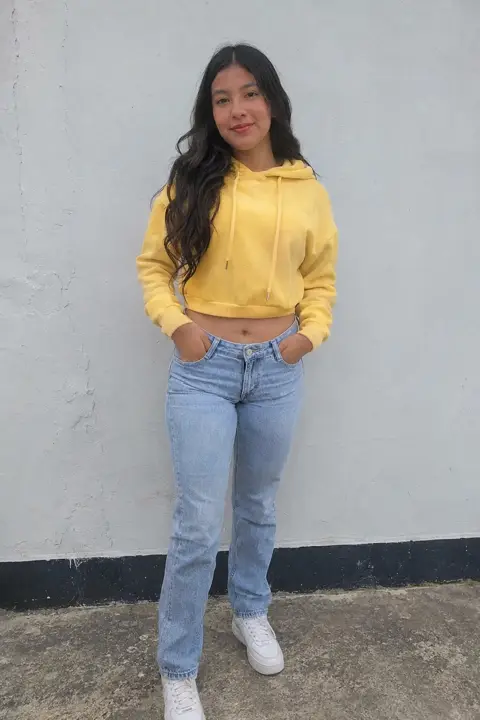
Face clear, good light - Try thisFace a window or step into daylight so the light falls on your face.
Face in shadow - Try thisUse the photo straight from the camera, without a beauty filter.
Heavy filter - Try thisGet closer: your face should be easy to see.
Too far away
Ya lo agarré
- One person in the photo
- Face sharp and turned to the camera
- The whole body or waist up
- The clothes you want to wear in it
Se escapó
- Sunglasses or a hand over the face
- Group photos, except on Your idea
- Heavy filters
- A tiny face far in the background
Who to put next to the pterodactyl
The tío who handles it
One of the jokes going round: somebody’s tío is already out defending the neighborhood. Put him on the chain.
The cowboy look
The On a chain template comes from a man in a black hat. A hat and boots in your photo go a long way.
The friend who says it is real
Everyone has one. Put them on the chain with their own photo, or bring them into Your idea with you, and send it to them.
The one with a pet
Rooftop pet is about a woman and “her” pterodactyl. Cast whoever talks to their dog like a person.
Why here
Why make your Mexico pterodactyl video here
The templates from TikTok
On a chain and Rooftop pet come from AI versions people posted. The pterodactyl, the place, the camera moves and the sound follow the template.
Your face, your clothes
You take the place of the person in the template, with the face, hair and clothes from your photo.
Add your own details
A hat, a chain, a watch: write it under Add your own details and it goes into the video with you.
Made on your phone
No app, no prompt and no editing. Pick a template, add a photo, press the button.
Vertical, with sound
Every Mexico pterodactyl AI video is 9:16 with the template’s sound, in Standard or HD, with no watermark from us.
Your photos, your call
Your photo stays with your video and is deleted when you delete it. If a video fails, it goes back to your account on its own.
Background
Where the Mexico pterodactyl trend came from
Dates come from the clips, news reports and TikTok, as of November 18, 2026.
- October 29, 2026
The first clip
A home security camera in Anapra, Ciudad Juárez, records about a second and a half of a large winged shape over the houses.
- November 5–10
More clips
More videos surface, one from near Abraham González International Airport, and paranormal channels call them proof.
- November 11
“Digital entertainment”
Juárez civil protection says the videos are not real. TV Azteca and other outlets pick up the story.
- November 12
The escaped animatronic
La Rodadora, an interactive museum in Juárez, jokes that its animatronic pterodactyl got out. It is “found” on November 15.
- November 14–16
The AI videos
The sighting clips pass millions of plays, and the AI versions arrive: the pterodactyl caught, on a chain, on a rooftop, at a party.
- November 17
Fact-checked
Snopes rates one widely shared clip “Fake”: lettering on a building in it forms out of shapeless marks within about a second.
Photos too
Mexico pterodactyl AI photos
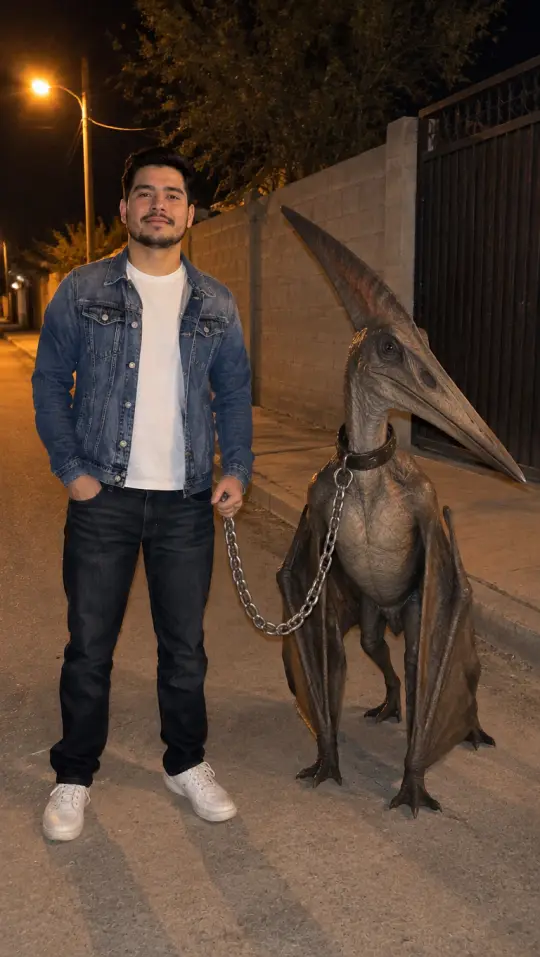
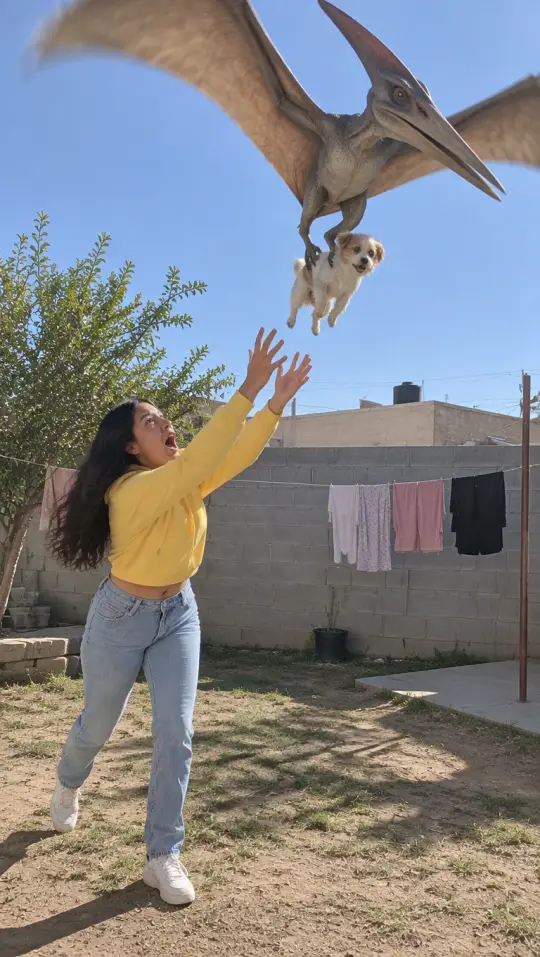
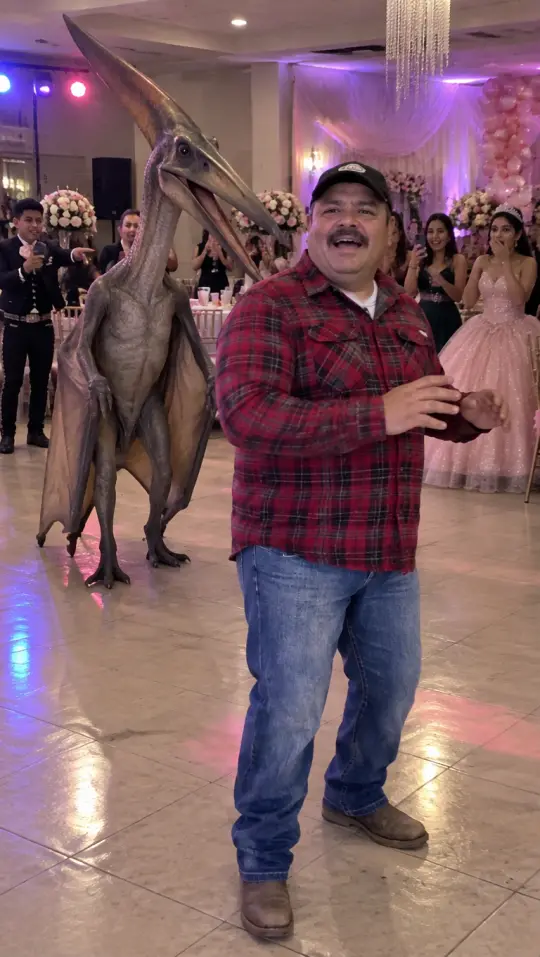
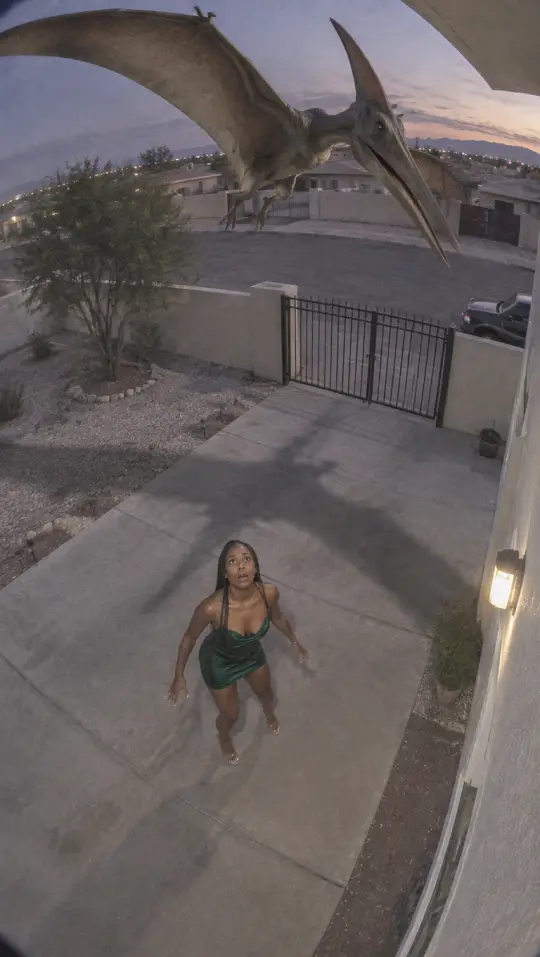
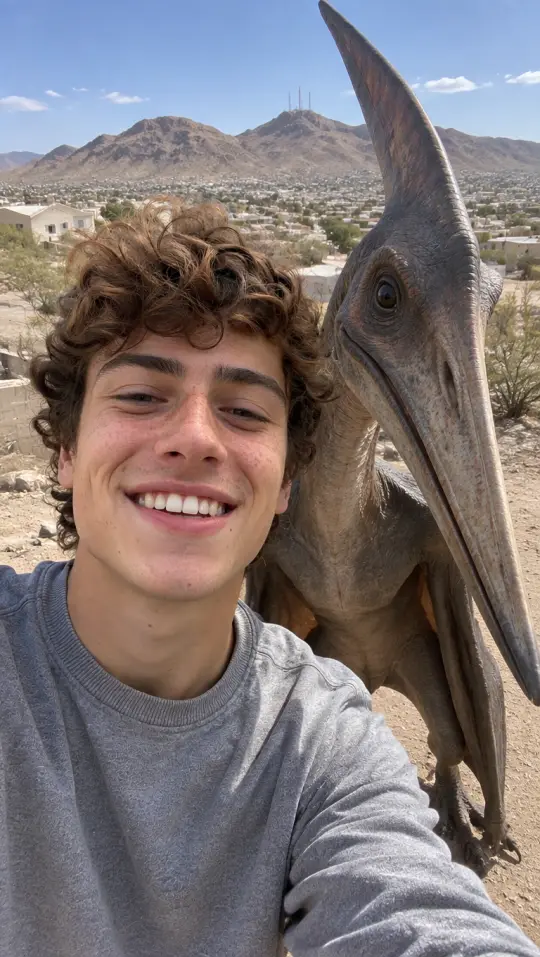
Want a still instead of a video? The photo tool puts you next to the pterodactyl in one picture: on a chain at night, losing your dog to it, at a party, on a security camera or in a selfie. Your first photo there is a preview with a watermark.
Pricing
Pick your pack
Pay once, no subscription. Videos and photos you have not made yet never expire.
Starter
$9.90
- 1 Standard video
- 5 photos
- Vertical photos and videos, videos with sound
- No watermark
- Never expires
- One-time payment, no subscription
Duo
$19.90
- 2 HD videos
- 15 photos
- Vertical photos and videos, videos with sound
- No watermark
- Never expires
- One-time payment, no subscription
Five
$39.90
- 5 HD videos
- 40 photos
- Vertical photos and videos, videos with sound
- No watermark
- Never expires
- One-time payment, no subscription
Questions
Mexico pterodactyl AI video FAQ
Is the Mexico pterodactyl video real?
No pterodactyl has been confirmed. Juárez civil protection called the videos “digital entertainment”, and Snopes rated one widely shared clip fake, made or edited with AI. Pterosaurs died out about 66 million years ago. The whole story, with the sources, is in our article on whether the Mexico pterodactyl video is real.
What can I change with Add your own details?
Small things about you: a hat, a jacket, a chain, a watch. The pterodactyl, the place, the camera moves and the sound follow the template, so those stay as they are.
Do I need an app or a template file?
No. The Mexico pterodactyl AI template is already set up on this page: pick it, add a photo and press the button, on a phone or a computer. There is nothing to download and nothing to edit.
How long does it take?
Most videos are ready in 3 to 6 minutes. You can close the page: the video waits in My photos & videos, and we email you when it is done.
Can I make a photo instead of a video?
Yes, with the Mexico Pterodactyl AI Photo tool: add a photo, pick a template picture and get a still of you with the pterodactyl. Your first photo there is a preview with a watermark.
Which Mexico pterodactyl AI templates are there?
Two, each from an AI version posted on TikTok. On a chain: you walk the pterodactyl across a tiled hall. Rooftop pet: you chat to it on a rooftop. Or pick Your idea, add up to three photos and write the scene yourself; the pterodactyl is always in it.
Will it look like me?
It keeps the face, hair and clothes from your photo, so a sharp photo of one person, face to the camera, works best. Sunglasses, filters and small faces far away do not.
What is the difference between Standard and HD?
Both make the same video from your photo and the template. Standard renders at 480p and HD at 720p, so faces and clothes come out sharper in HD. The pack you buy sets it; if you have both, HD goes first.
Can I post it on TikTok?
Yes. The video is vertical 9:16 with sound, ready for TikTok, Reels and Shorts, with no watermark from us. Switch on the AI-generated label when you post.
What happens to my photos?
They are used only to make your videos and pictures. They stay with what you made in My photos & videos and are deleted when you delete it; a photo you add and never use is erased within a day. Nothing is public unless you share it, and none of it trains any model.
Your turn to catch it
One photo, one template, and the Juárez pterodactyl is on your chain.
Make my pterodactyl videoMexico Pterodactyl AI is an independent, unofficial tool. It is not affiliated with the people who posted the Juárez clips, the TikTok creators behind the trend, any news outlet, the City of Juárez or TikTok, and none of them endorse it. Clips shown here belong to the people credited. Every video and photo made here is AI-generated: say so when you share it. Rights holders can write to support@mexicopterodactylai.com.